Technical project case study
A recurring Vendor Central invoice task was automated without placing Amazon credentials in source code and without making the final submission irreversible during initial testing.
01The operational problem
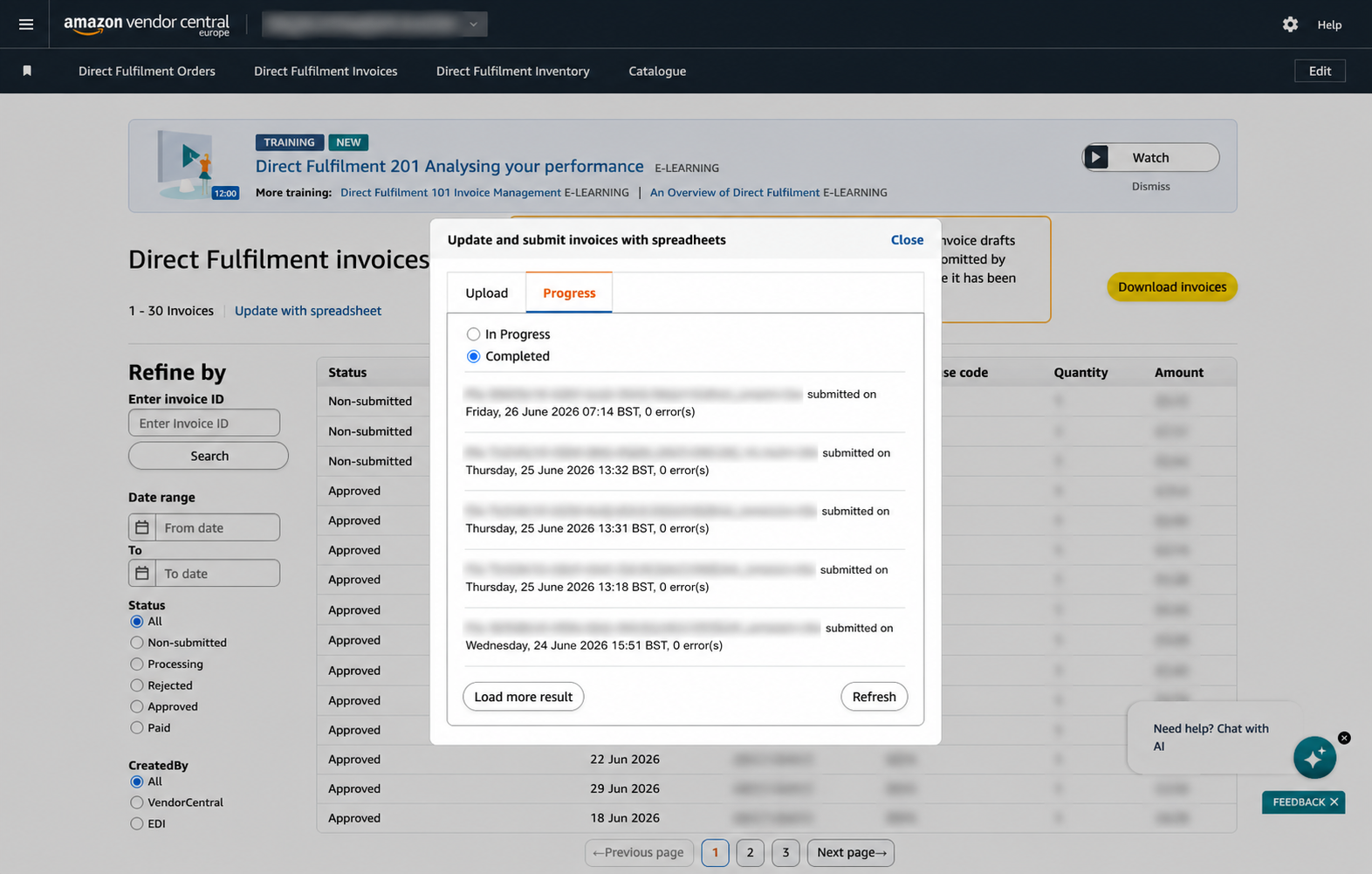
The Direct Fulfilment invoicing process required an operator to open the non-submitted invoice queue, ask Amazon to generate a CSV, wait for the file, download it, browse back to the upload control and submit the unchanged file.
The steps were deterministic but tied to an authenticated Vendor Central session with possible MFA. A practical automation therefore had to reuse an authorised browser profile, cope with file preparation delays and make the final submit step optional until the workflow had been proven.
02What was built
ECom Clarity built a Playwright workflow using a persistent browser profile. The authorised user completes Amazon sign-in and MFA normally; credentials are not stored in the project. The worker filters the invoice page, downloads the prepared CSV, selects the exact file for upload and can either stop for review or submit automatically.
A weekday macOS schedule runs the same workflow from a controlled runtime location, writes dated logs and prevents overlapping executions with a lock.
03Technical design
- Persistent Chromium profile retains the authorised Vendor Central session.
- Download handling waits for Amazon to prepare the invoice file before capturing it.
- The downloaded CSV is uploaded unchanged, preserving Amazon’s expected schema.
- A command-line option can upload a known file or the latest matching download.
- Button names are configurable to make modest Vendor Central wording changes easier to accommodate.
- LaunchAgent scheduling runs Monday to Friday at a defined UK local time.

04Controls, failure handling and operational safety
- AUTO_SUBMIT is false by default, leaving the final action for human confirmation during validation.
- The browser profile handles MFA rather than embedding credentials or bypassing authentication.
- A lock directory prevents two scheduled jobs from uploading concurrently.
- Dated logs provide evidence of each unattended run.
- The project explicitly documents that this is browser automation, not an SP-API invoice implementation.
05Why the design matters
The solution removes repetitive navigation while respecting the security model of the existing portal. It also keeps the route open for a future structured SP-API implementation if the business decides that JSON invoice generation is justified.
This is an example of choosing the smallest viable integration. Rebuilding invoice data for an API would have introduced transformation and reconciliation work; automating the unchanged CSV flow addressed the immediate issue with fewer moving parts.
06What this project demonstrates
- Safe automation around authenticated marketplace portals.
- File download and upload orchestration with controlled submission.
- Clear distinction between UI automation and formal API integration.
- Scheduling, locking and evidence logs for a recurring finance-adjacent task.
07Practical lessons for similar integrations
A dry-run default is particularly important when the final click creates a financial or compliance record. Prove file selection and page state before allowing unattended submission.
Browser automation can be appropriate, but it should include an exit strategy. Document the API alternative and the conditions that would justify moving to it.